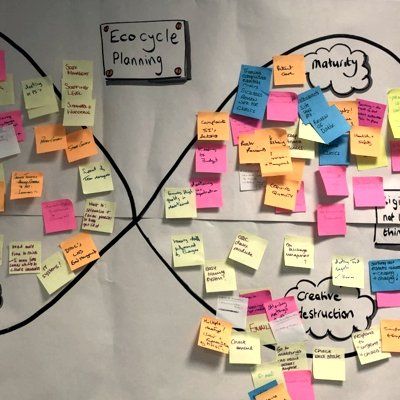
Our Services
Digital
Digital Connectivity
CRM - Customer Relationship System
Project Management
Website Review
- Product Owner (CPO)
- Scrum (CSM)
- Agile
- Prince 2
- Managing Successful Programmes (MSP)
- Quality Improvement (QI)
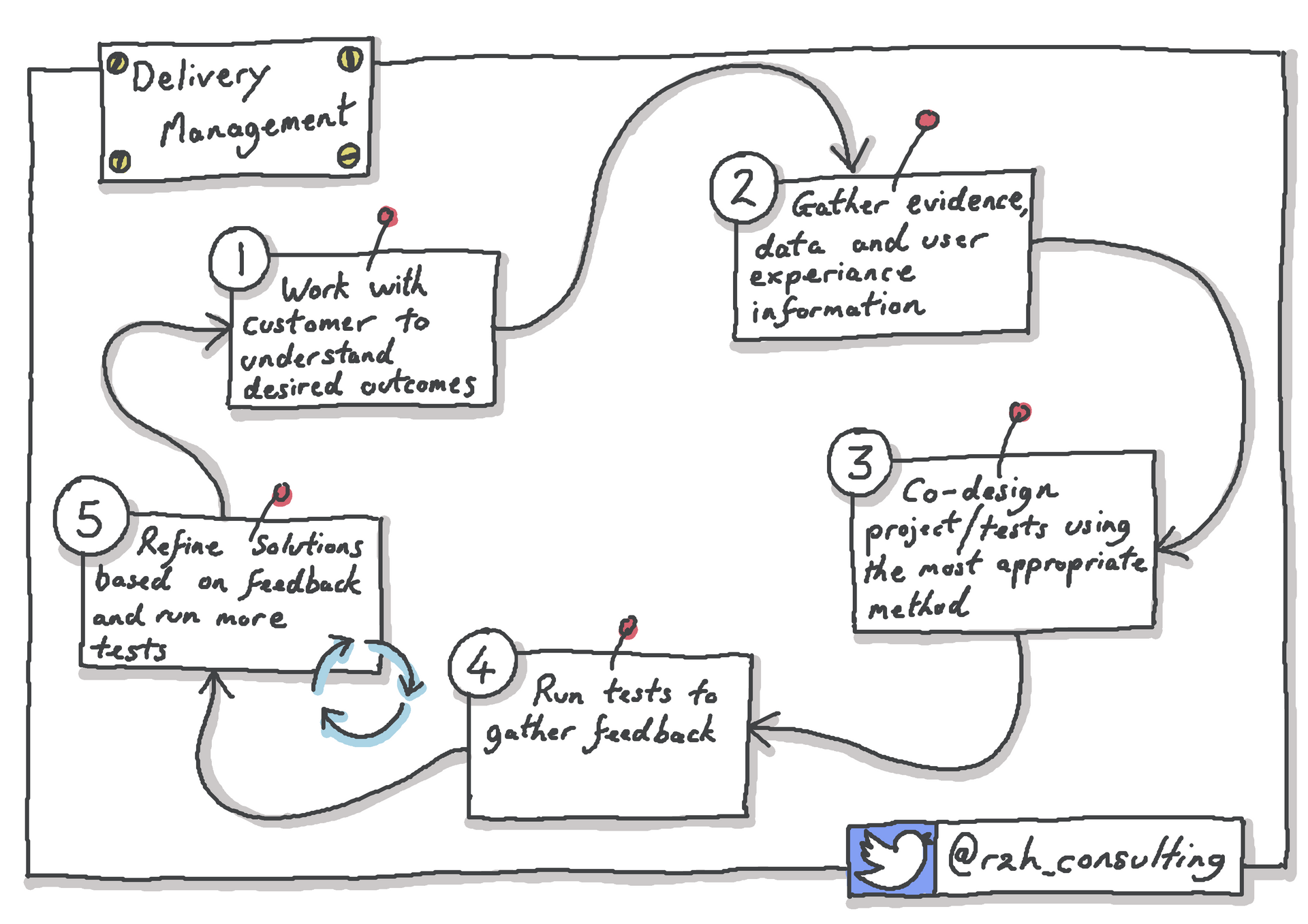
Delivery Management
- Product Owner (CPO)
- Scrum (CSM)
- Agile
- Prince 2
- Managing Successful Programmes (MSP)
- Quality Improvement (QI)

New for 2026
Microsoft Applications Training - Making the Most of Microsoft 365
When we are delivering transformation change, we often need cross‑functional teams to work collaboratively. Bringing people together from different parts of the organisation is essential for making progress, but it only works when they have clear ways of working and the right tools to support them.
Many organisations we work with already use Microsoft 365 every day, so people are familiar with some of the standard Microsoft functionality, and the applications are included at no additional cost, making it easy to get started. Whilst there are many ways to use these free tools, we share our learning about the best approaches we have found, and the training is peppered with examples of how we have used them to support our day‑to‑day work.
Microsoft 365 applications bring together a connected set of tools that work naturally with Outlook, SharePoint, Word and Excel. This familiarity makes it easier for people to adopt new ways of working, and because everything sits within your existing Microsoft environment, you do not need to manage separate access or worry about data security across multiple platforms.

We have modules on:
Applications Overview which describes each of the applications in more detail and how they can be used to support day to day work
Teams sits at the centre, giving people one place to meet, chat, share files and keep work moving
To Do helps individuals stay organised, bringing together tasks from Planner, email and personal items
Planner supports groups with simple visual task boards
Whiteboard offers a flexible digital space for thinking, sketching and exploring ideas together rather than having to pay for Mural or Miro
Forms makes it easy to gather feedback or gather data to populate a list or streamline processes through surveys and quizzes
Lists provides a clear structured way to track information and workflows
Copilot builds on all of this, offering a quick and easy way to generate content, do research and reduce manual effort associated with meetings
Together, these tools create a powerful integrated environment that helps people work in a collaborative way, freeing up time for thinking and doing the work rather than providing updates and frantically trying to remember everything you need to progress.
Please contact us for more information.
Visual Facilitation Training
As an interactive approach for remote working, visual facilitation can be used to enhance on-line meetings, one-to-one sessions and team building events or as an effective personal tool to capture notes.
- Public Course
- Tailored Course for your organisation
- Delivered online and in face-to-face sessions
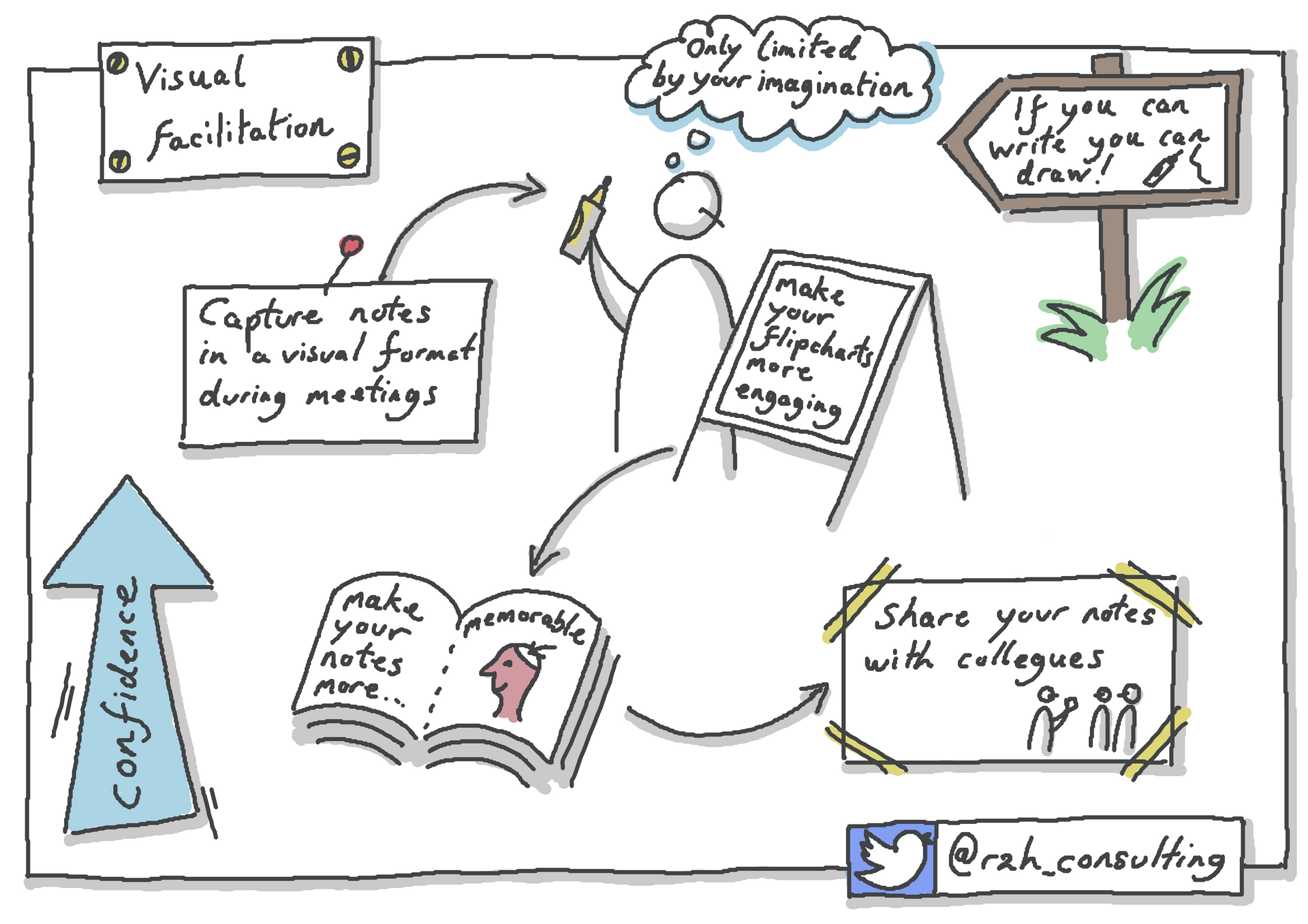
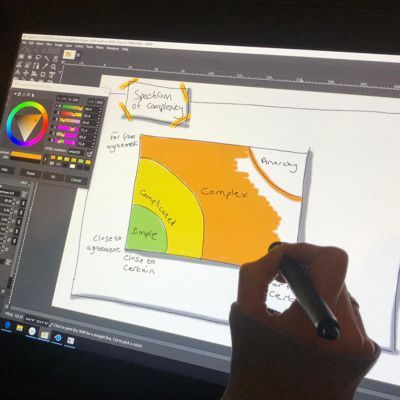
Learn quick, easy and effective drawing techniques fast!
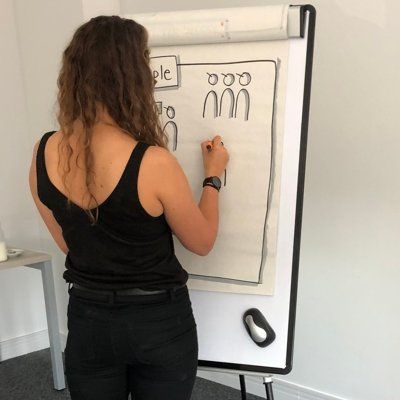
Learn at your own pace through face-to-face sessions.
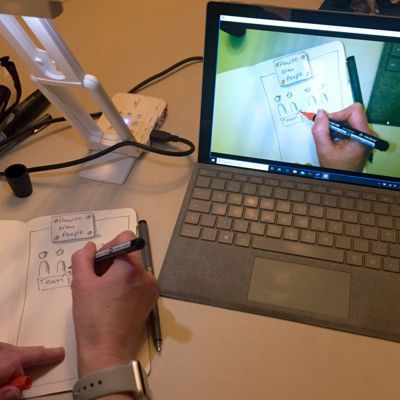
Live online training sessions can be provided for groups or individuals via Zoom or Microsoft Teams.
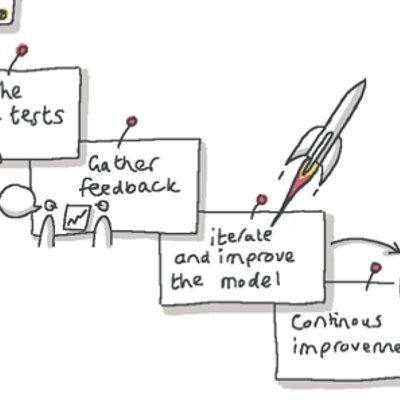
Present and communicate your ideas, record meetings and discussions, make your presentations stand out and easier to understand.

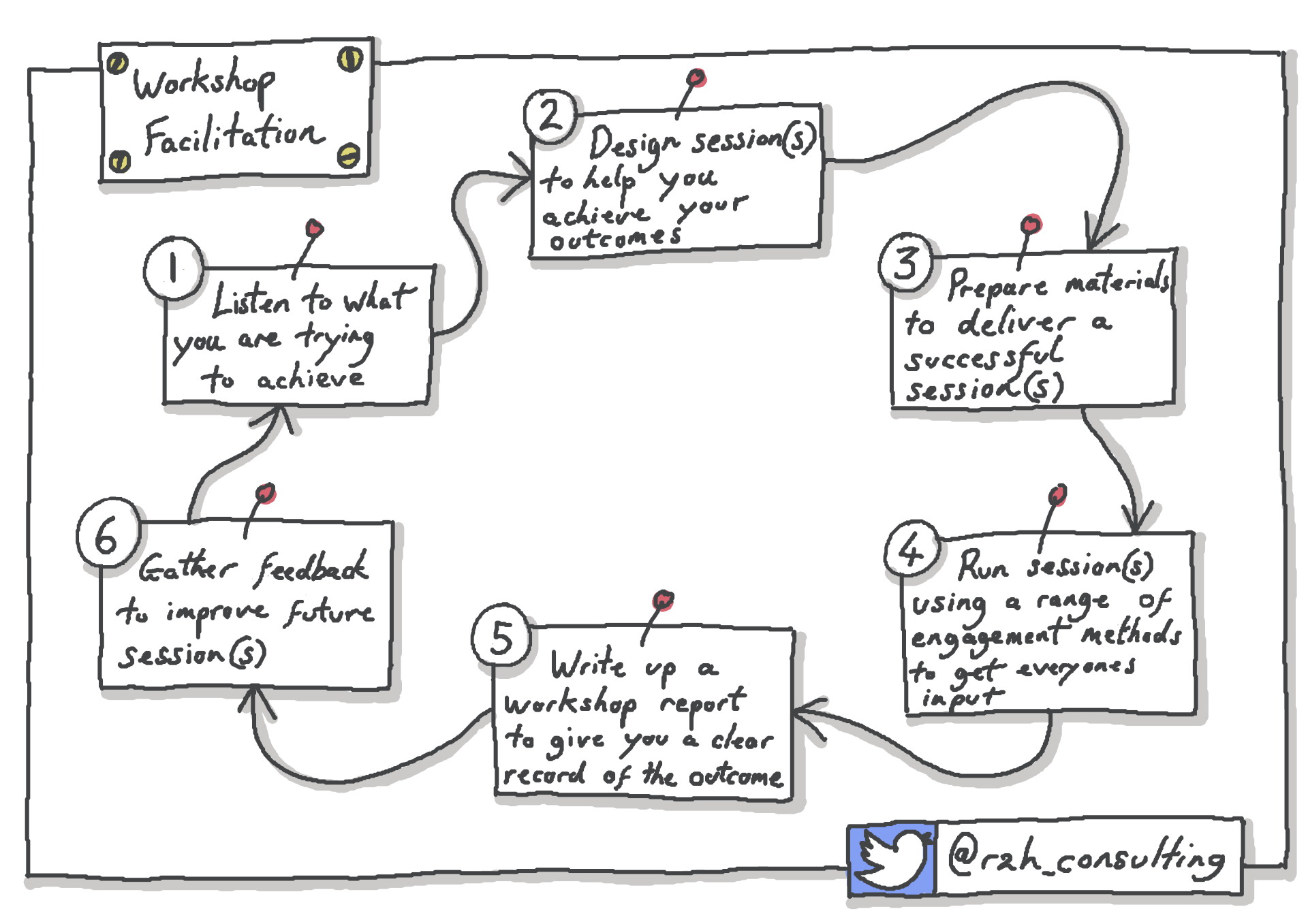
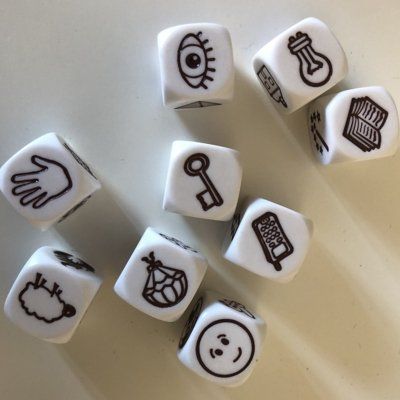
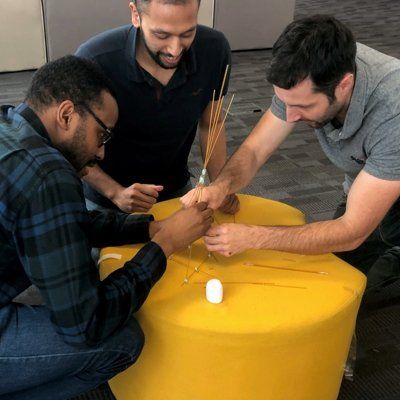
Workshop Facilitation
- Liberating Structures
- Visual Facilitation
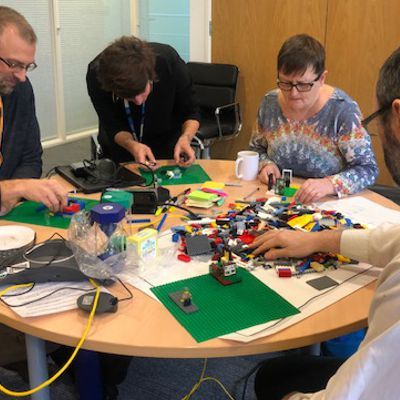
- Lego Serious Play®
- User Story Mapping